7 Canva Templates You Can Create with AI and Sell Online
You don’t need design skills to make money with Canva anymore.
And you definitely don’t need months to create a digital product.
With AI, you can go from idea, to content, to your product in just a few hours.
That’s exactly what more and more beginners are doing right now.
In this post, you’ll discover 7 Canva templates you can create using AI (even if you’re starting from zero), and how to turn them into something you can actually sell.
If you’re completely new to digital products, start here:
This will give you a solid foundation before you start creating.
What Are AI Canva Templates?
AI Canva templates are editable Canva designs created with help from AI tools.
AI can help you plan the idea, write the text, organise the structure and create prompts for the template.
Canva helps you turn that idea into a visual product people can edit, customise and use.
For example, you can use AI to create the structure for a content planner, then design the planner pages inside Canva.
This makes template creation easier for beginners because you are not starting from a blank page.
Want the full beginner process? Read: How to Use AI and Canva to Create Your First Digital Product.
Why Canva + AI Is the Perfect Combo
If you’ve been thinking about starting an online business but feel stuck, this is where everything changes.
Canva removes the design barrier.
AI removes the creation barrier.
Together, they give you speed, and speed is what most beginners are missing.
You don’t need to be creative.
You don’t need experience.
You just need a simple system you can follow.
Can You Sell Canva Templates Created with AI?
Yes, you can sell Canva templates created with help from AI, but the final product should still be useful, original and clearly designed for a specific audience.
AI can help with ideas, structure, wording and prompts.
But you should always edit, customise and improve the final template before selling it.
Do not just copy AI output into Canva and call it finished.
A good Canva template should save time, solve a small problem and be easy for the buyer to use.
Before selling Canva templates, always check Canva’s current terms and licensing rules for commercial use.
Want a Simple AI + Canva Starting Point?
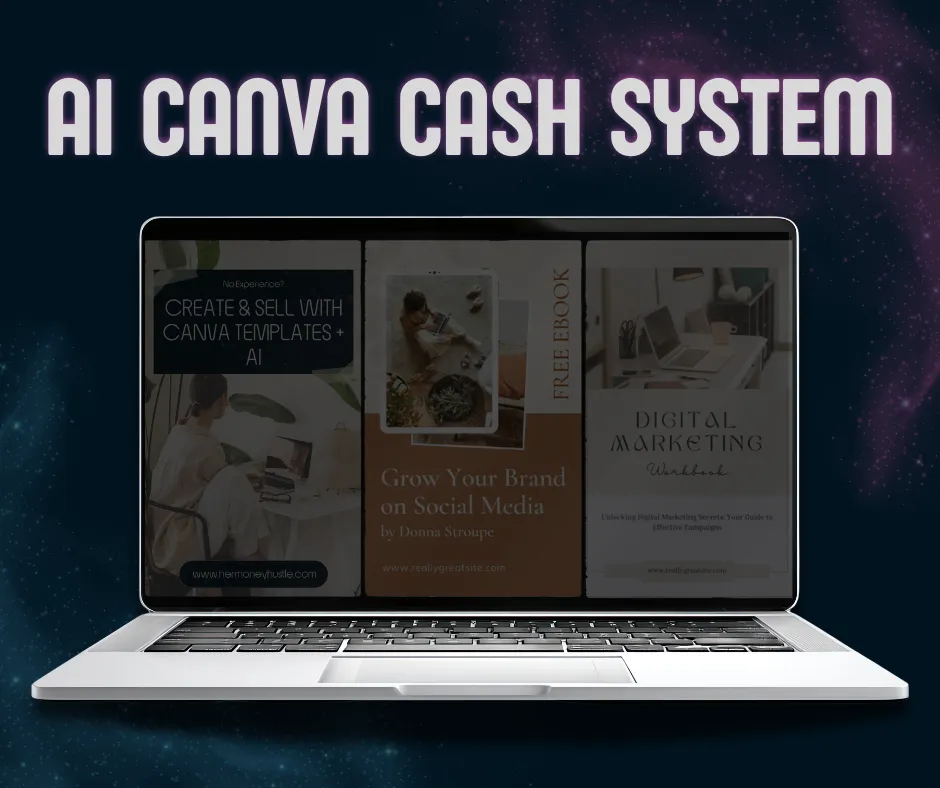
If you want to create digital products with AI and Canva but still feel unsure where to begin, start with the AI Canva Cash System.
It gives you a simple beginner-friendly way to understand how AI can help with ideas, structure and content, while Canva helps you turn those ideas into visual digital products and online business assets.
7 Canva Templates You Can Sell Using AI
1. Social Media Templates
Businesses and creators are constantly looking for ready-to-use content.
With AI, you can generate captions, hooks, and ideas in seconds, then turn them into clean, aesthetic templates inside Canva.
These sell well because they save time.
Best for:
Creators, coaches, small business owners and beginner entrepreneurs who need consistent content.
How AI helps:
AI can help you create post ideas, hooks, captions, content pillars and CTA suggestions.
How to sell it:
Sell a bundle of editable Canva templates for one specific niche, such as coaches, wellness creators or small businesses.
2. Pinterest Pin Templates
Pinterest is still one of the best platforms for passive traffic.
You can use AI to generate pin titles and descriptions, then create high-converting pin templates in Canva.
These are perfect to sell as bundles.
Best for:
Bloggers, digital product sellers and online business owners who want more traffic from Pinterest.
How AI helps:
AI can help you create pin titles, SEO descriptions, keyword ideas and different content angles.
How to sell it:
Bundle 10-30 editable Pinterest pin templates for bloggers, creators or digital product sellers.
3. Digital Planner Pages
Productivity products are always in demand.
You can create planners for:
daily routines
fitness
finances
goal tracking
AI helps structure the content. Canva makes it visual.
Best for:
People who want to organise their goals, routines, finances, fitness, content or online business.
How AI helps:
AI can help you create planner sections, weekly prompts, goal-setting pages and simple instructions.
How to sell it:
Sell printable planner pages, digital planner PDFs or niche-specific planner bundles.
4. Ebook Templates
Most beginners want to create ebooks but don’t know how to design them.
That’s your opportunity.
Simple, clean ebook templates are easy to create, and easy to sell.
Best for:
Beginners, creators, coaches and educators who want to package their knowledge into a simple guide.
How AI helps:
AI can help you create ebook outlines, chapter ideas, page headings, examples and beginner-friendly explanations.
How to sell it:
Sell editable ebook templates for specific niches, such as online business, wellness, productivity, finance or content creation.
5. Instagram Carousel Templates
Educational content is dominating social media.
Carousels drive saves, engagement, and reach.
Use AI to generate content ideas, then build scroll-stopping designs in Canva.
Best for:
Creators, educators, coaches and online business owners who share educational content on Instagram.
How AI helps:
AI can help you generate carousel topics, slide outlines, hooks, captions and call-to-action ideas.
How to sell it:
Sell editable carousel template packs for one niche, such as business tips, mindset, wellness, finance or digital products.
6. Business Branding Kits
Small businesses need branding, but don’t always have the budget.
You can create:
logo templates
color palettes
font combinations
Simple sells.
Best for:
Small businesses, creators and new entrepreneurs who need a simple visual identity.
How AI helps:
AI can help you create brand personality prompts, colour direction, font pairing ideas, tagline options and brand voice notes.
How to sell it:
Sell editable brand kit templates that include logo placeholders, colour palettes, font combinations and brand guideline pages.
7. Lead Magnet Templates
Every online business needs lead magnets.
You can create templates for:
checklists
guides
mini ebooks
These are extremely valuable and highly in demand.
Best for:
Online business owners, coaches, creators and bloggers who want to grow their email list.
How AI helps:
AI can help you outline the lead magnet, write section prompts, create checklist ideas and generate CTA copy.
How to sell it:
Sell editable Canva lead magnet templates for guides, checklists, mini ebooks, workbooks or freebie bundles.
How to Create Canva Templates with AI
Creating Canva templates with AI does not need to be complicated.
Follow this simple beginner-friendly process:
1
Choose one template type
Start with one clear product idea, such as Pinterest pin templates, planner pages, lead magnet templates or social media posts.
2
Use AI to create the structure
Ask AI to help you outline the template, create placeholder text, suggest sections and generate content ideas.
3
Design the template in Canva
Open Canva and create a clean, editable design. Keep the layout simple, readable and easy for the buyer to customise.
4
Package the template clearly
Create a PDF with the Canva template link, simple instructions and a short note explaining how to use it.
5
Write a simple product description
Explain who the template is for, what problem it solves, what is included and how the buyer can use it.
Your first Canva template does not need to be huge.
It needs to be useful, clear and easy to edit.
How to Sell Canva Templates Online as a Beginner
You do not need a complicated setup to start selling Canva templates.
Start simple.
Here are a few beginner-friendly ways to sell your templates:
1
Sell on your own website
Create a simple sales page with a clear product description, mockups, what is included and a checkout button.
2
Use Pinterest to drive traffic
Pinterest works well for Canva templates because people search for design ideas, business tools, planners, templates and digital products.
3
Create bundles to increase value
Instead of selling one single template, package several related templates together. For example, you could sell a bundle of 20 Pinterest pin templates or a full social media template pack.
4
Use a freebie to grow your email list
Offer a free guide, checklist or sample template to collect emails. Then you can introduce your paid products later.
5
Start with one niche
Do not create templates for everyone. Start with one clear audience, such as bloggers, coaches, small business owners, content creators or digital product sellers.
The biggest mistake is waiting too long.
Start with one useful template pack.
Launch it.
Improve as you learn.
You can also browse the Her Money Hustle Resources Library for free guides and starter systems.
Now here’s the part most people miss:
Knowing what to create is one thing.
Actually creating and launching it is another.
That’s where most beginners get stuck.
Frequently Asked Questions About AI Canva Templates
Can beginners create Canva templates with AI?
Yes. AI can help beginners create ideas, outlines, captions, prompts and structure. Canva helps turn those ideas into editable visual templates.
What Canva templates are easiest to sell?
The easiest Canva templates to sell are usually social media templates, Pinterest pin templates, planners, ebook templates, carousel templates, branding kits and lead magnet templates.
Can you sell Canva templates made with AI?
You can sell Canva templates created with help from AI, but the final product should be edited, customised, useful and designed for a specific audience. Always check Canva’s current commercial use rules before selling.
How do I promote Canva templates?
You can promote Canva templates with Pinterest pins, blog posts, email marketing, social media tutorials, free resources and your own website.
Ready to Create Your First AI Canva Product?
If you want a simple starting point, get the AI Canva Cash System and learn how to use AI and Canva to start creating digital products and online business assets without feeling overwhelmed.
Still choosing what to create first?
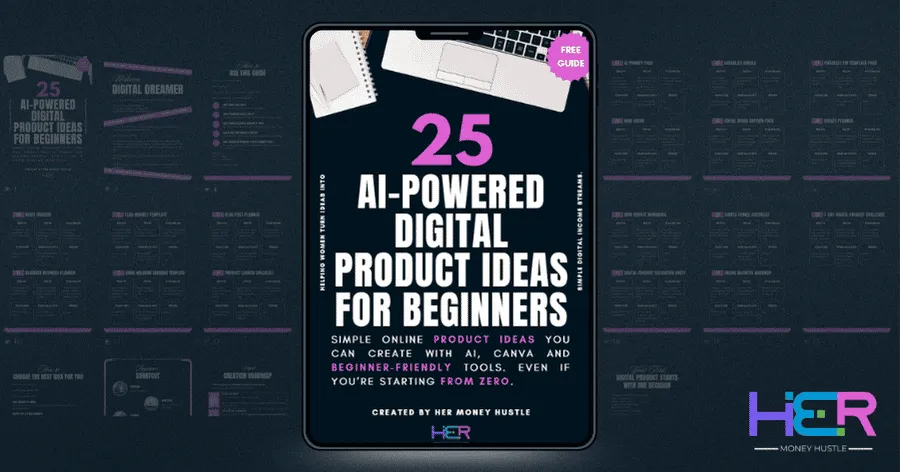
Download the free 25 AI-Powered Digital Product Ideas for Beginners guide and find a simple product idea you can start with today.
Building Dreams, One Hustle at a Time.
Explore▼
Support▼
Freebies▼
Explore▼
Support▼
Freebies▼



© 2026 Her Money Hustle. All rights reserved.